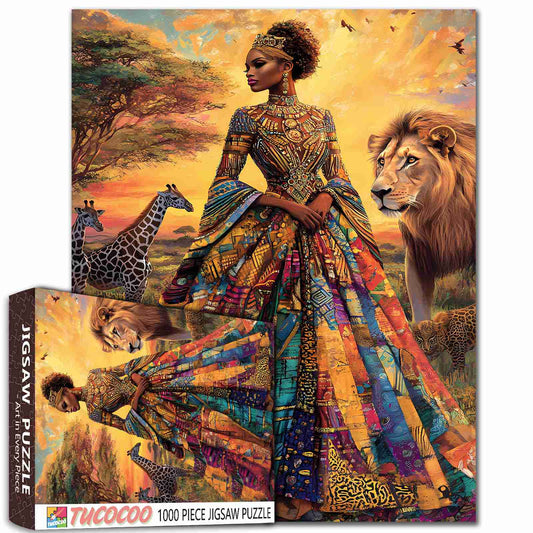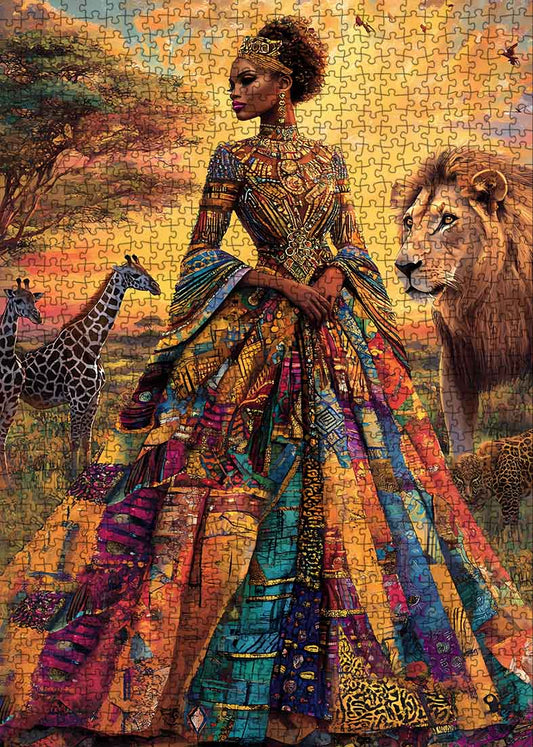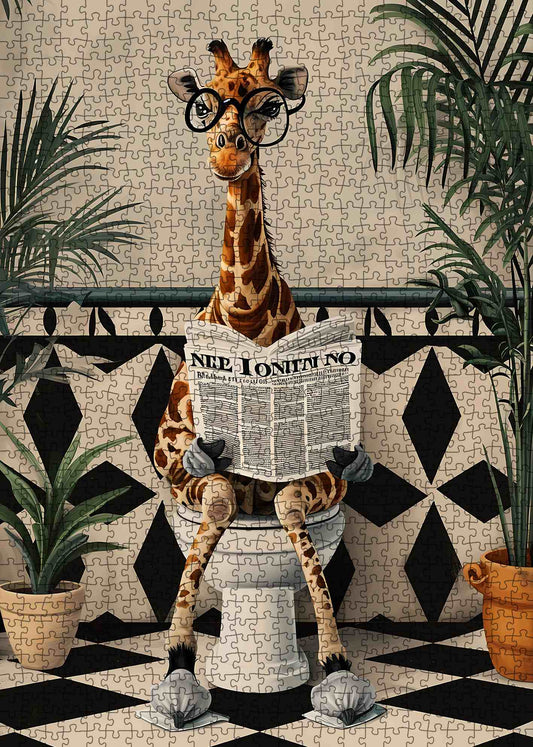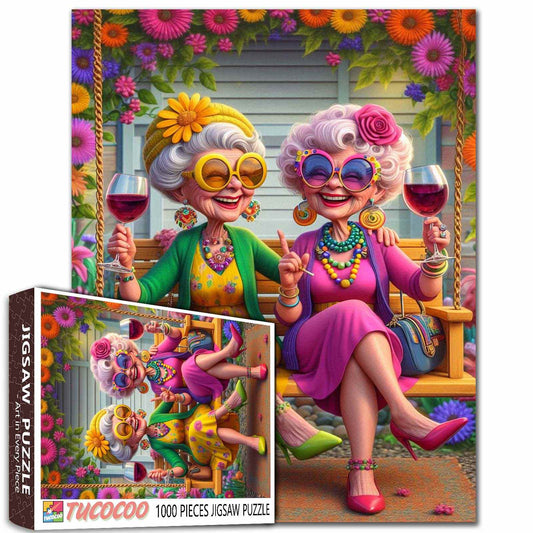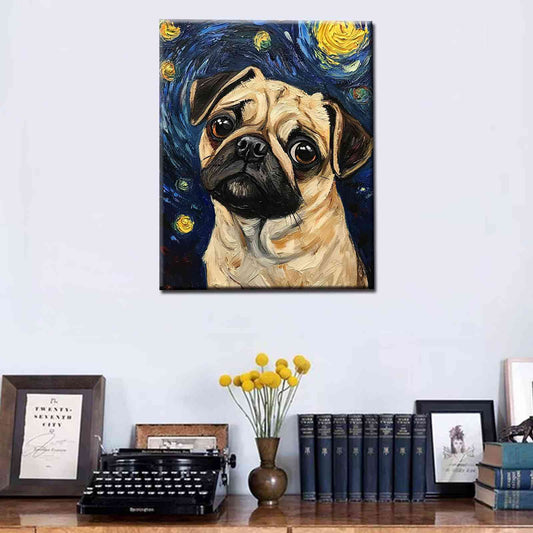

How to Make Your Own Paint by Numbers from Cool Art

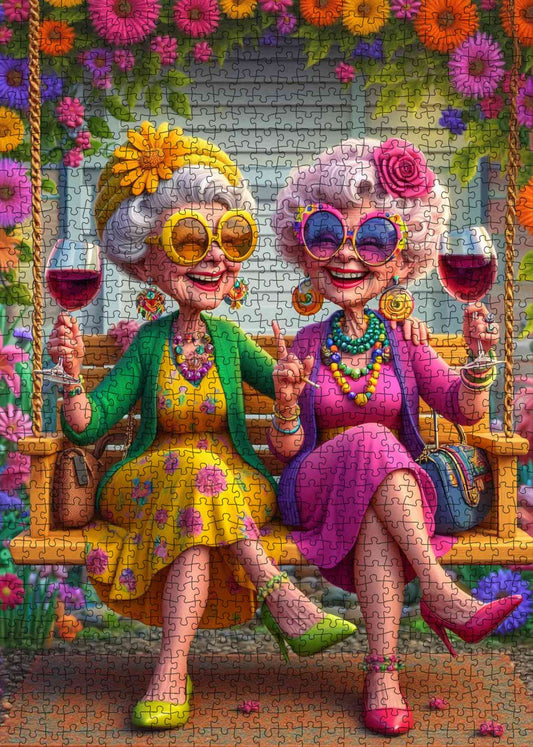
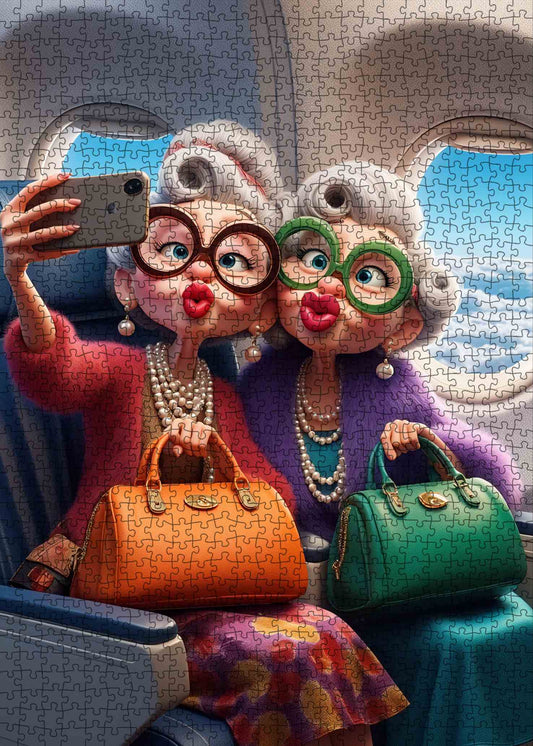
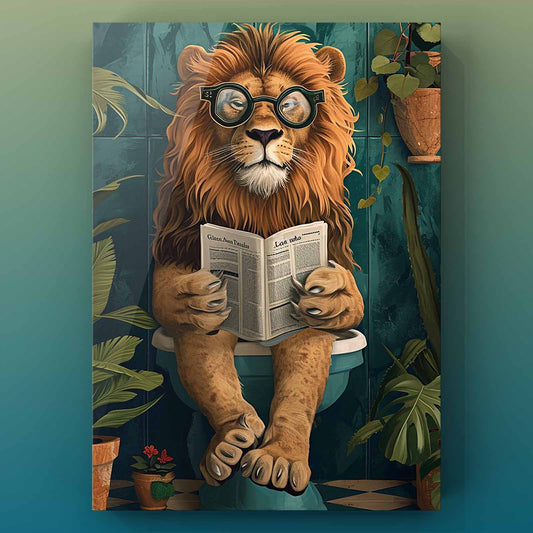
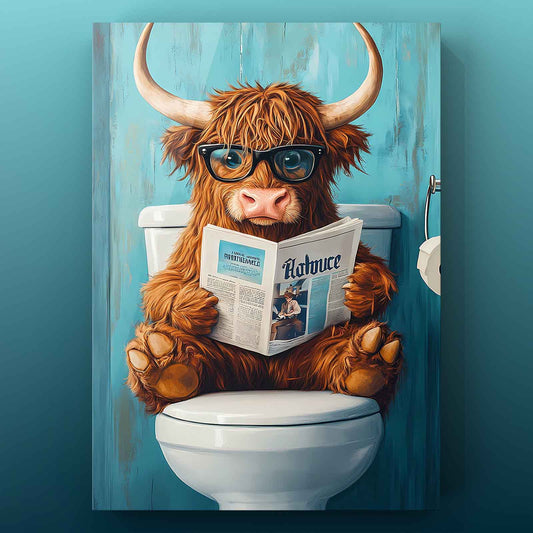
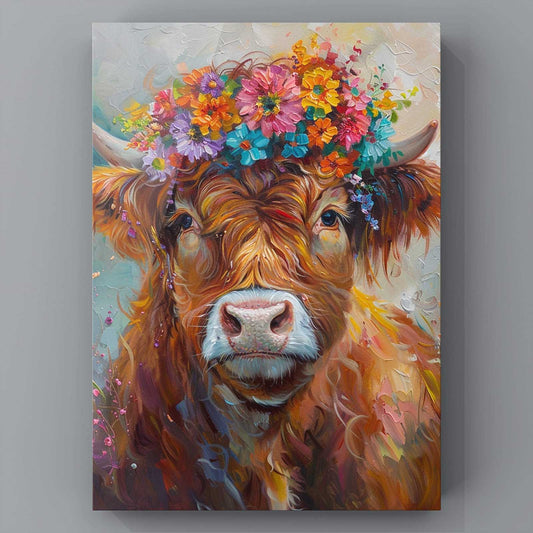
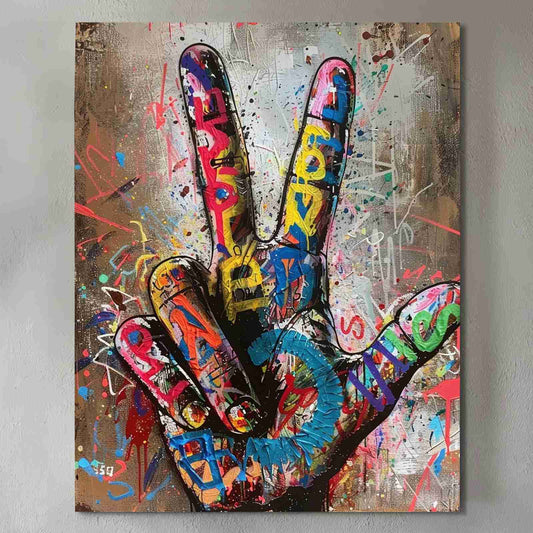
You can transform any cool art or favorite photo into your own paint by numbers project. All it takes is a simple online tool. PBNify allows you to create custom templates directly in your browser. You don’t need to be an expert. If you’re a fan of cool art, you can make it even more enjoyable by painting it yourself. Give this easy method a try to bring cool art to life and enjoy a relaxing, creative day.
Key Takeaways
Pick images that are clear and simple. Make sure they have good contrast and lighting. This will help make painting easier and more fun. - Try free online tools like PBNify. These tools can quickly change your photos or art into paint by numbers templates. - Print your template with care. Move it to canvas by tracing for a smooth start. - Mix your paints with care. Follow painting tips to avoid mistakes. This will help you make beautiful art. - Paint by numbers is a calm hobby anyone can try. Custom kits are great gifts that feel special and personal.
Choose Cool Art
Best Images
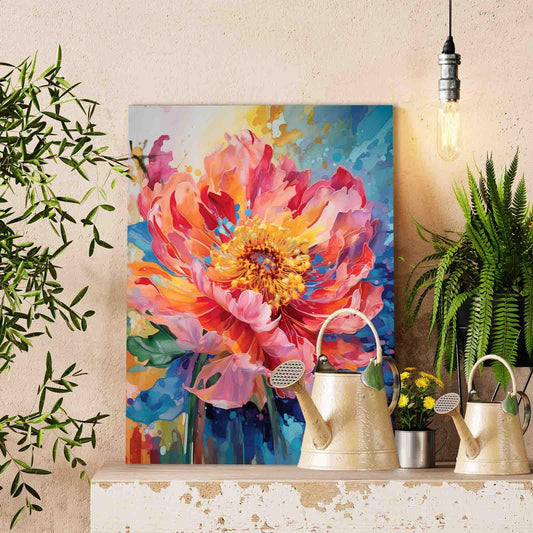
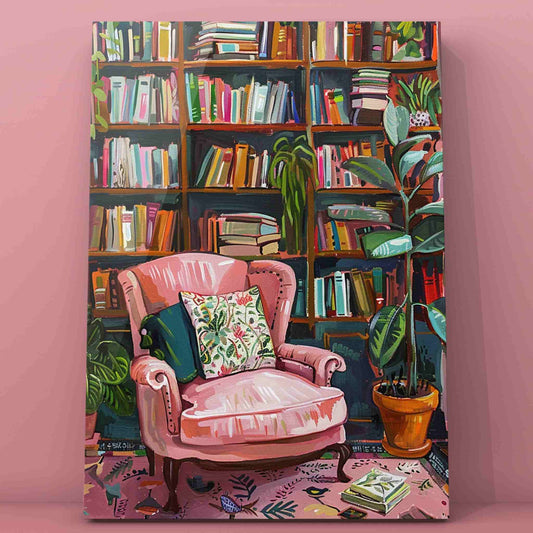
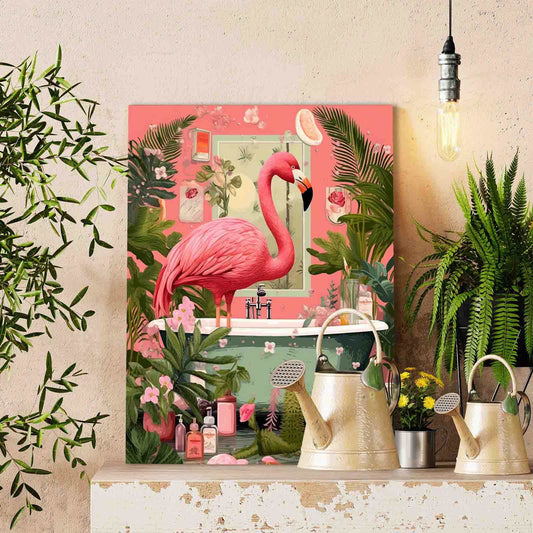
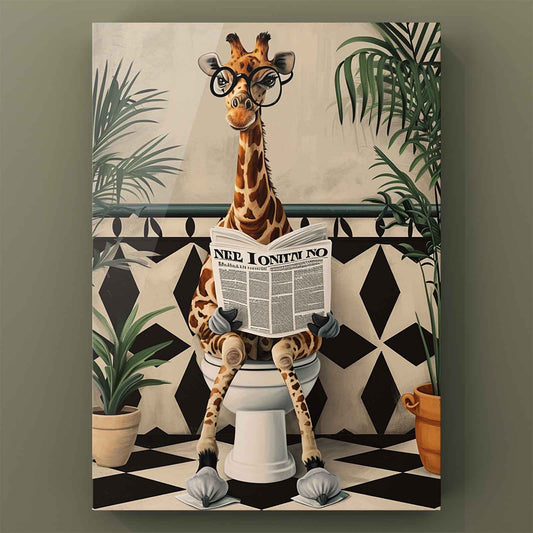
Picking the right image makes your paint by numbers project much easier and more fun. You want to start with a picture that stands out. High-contrast and simple images work best. These types of pictures help you see the shapes and colors clearly. If you use cool art with bold lines and bright colors, you will find it easier to paint inside the lines.
Here’s a quick guide to what makes a good image for paint by numbers:
Characteristic |
Explanation |
|---|---|
Clear Details |
Distinct outlines and sharp features help you place colors and borders. |
Good Lighting |
Well-lit photos, especially with natural light, show the main subject better. |
Simplicity |
Less clutter and a simple background make painting easier. |
Good Contrast |
Strong contrast between subject and background defines areas for painting. |
If you want to use your own cool art or a favorite photo, try to pick one that checks most of these boxes.
Tips for Selection
Before you upload your image, you should think about copyright. Using your own photos is always safe. If you want to use art you found online, make sure it is in the public domain or you have permission. Using copyrighted images without permission can cause problems. It is best to stick with art you own or public domain images.
You can also make your image easier to paint by using editing tools. Here’s how you can simplify your image before turning it into a paint by numbers template:
Select the main object or area you want to paint.
Use the "Simplify" feature in your editing tool to remove extra details.
Adjust the settings to keep the main shapes but lose the clutter.
Try the "Smooth" tool to make lines less jagged.
Compare the new version with the original to make sure it still looks good.
Tip: Filters like "cutout" or "cartoon" can help make your image even simpler and more paint-friendly.
How to Turn a Photo into Paint by Numbers
Make Template
You might wonder how to turn a photo into paint by numbers. The process is easier than you think. You can use a paint by numbers app or an online tool to create a custom paint by number template in just a few minutes. Here’s how you can do it step by step:
Pick a photo with clear details and sharp outlines. Photos with good lighting and strong contrast work best.
Use a filter like "cutout" or "cartoonizer" to simplify your image. These filters help turn your photo into bold shapes and clear colors. They remove extra details and make the main subject stand out. You can also try a blur effect to smooth out rough edges.
Upload your chosen photo to a paint by numbers app or website.
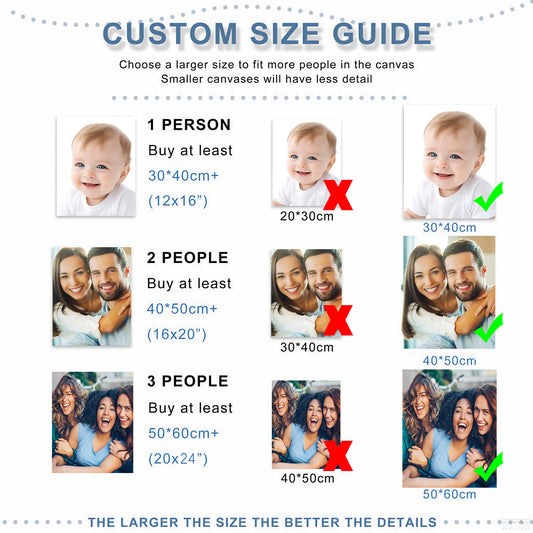
Adjust the number of colors. Fewer colors make painting easier, while more colors add detail.
Let the tool analyze your photo. It will break the image into numbered sections based on color.
Download your paint by numbers template. Most sites let you save your template as a PDF or PNG. Some even offer SVG or CSV formats if you want to edit further.
Tip: Most online tools finish this process in just a few minutes. If your image is simple, you’ll get your template even faster.
Online Tools
You have many choices when it comes to picking a paint by numbers app or website. Each tool has its own features, so you can find one that fits your needs. Here’s a quick look at some popular options:
Tool Name |
Key Features |
Pros |
Cons |
|---|---|---|---|
Upload photos, ready-to-paint kits, gift options, free tools, eco-friendly materials, tutorials |
User-friendly, high-quality, great for gifts |
Limited size options, no custom frames |
|
PBNify |
Free, web-based, drag-and-drop, color palette selection |
Simple, fast, no download needed |
Needs internet, occasional bugs |
STOIK Color By Number |
Paid software, camera/scanner input, color key printing, support |
Offline use, extra input options, support |
Paid, less for casual users |
Paintillio |
Premium, large custom kits, framing, supplies, gift-ready |
High-quality, large sizes |
Expensive, longer wait times |
If you want to know how to turn a photo into paint by numbers quickly, PBNify is a great choice. You just upload your image, pick your colors, and the tool does the rest. Custom Paint By Numbers is perfect if you want a ready-to-paint kit or a special gift. STOIK Color By Number works well if you prefer offline tools.
When you use these tools, you usually upload your photo, adjust the settings, and let the software create your paint by numbers template. The tool assigns numbers to each color area, making it easy for you to follow along. You can then download your template in a format that works for you. PDF and PNG are the most common, but SVG and CSV are also available if you want more options.
If you want to create a custom paint by number template for a special project, try experimenting with different filters and color settings. The cartoonizer and cutout filters help you get a clean, bold look. These filters make it easier to see where each color goes and help you avoid mistakes while painting.
Note: Most paint by numbers apps and online tools work fast. You can usually go from photo to template in just a few minutes. More advanced services that print and ship kits take longer, but digital templates are almost instant.
Now you know how to turn a photo into paint by numbers using online tools. Try different images and settings to see what works best for you. You’ll soon have a unique paint by numbers template ready for your next creative project!
Print and Prepare
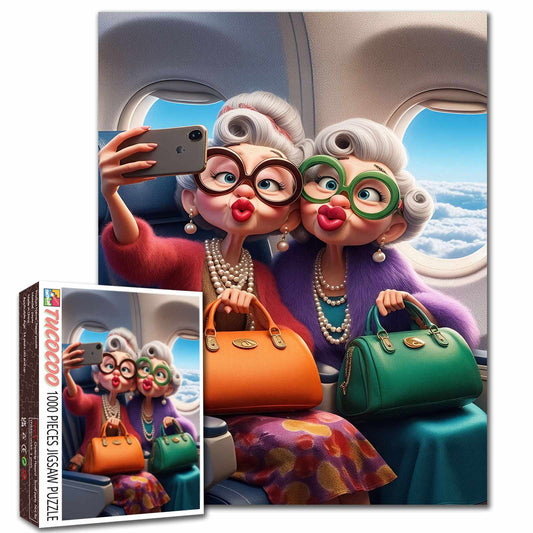
Tucocoo Custom Paint by Numbers
Print Template
Printing your paint by numbers template is the first step to bringing your project to life. You can print at home or visit a print shop. Each option has its own pros and cons:
Aspect |
Home Printing (Pros) |
Home Printing (Cons) |
Print Shop (Pros) |
Print Shop (Cons) |
|---|---|---|---|---|
Quality |
Quick and convenient |
Lower print quality possible |
High-quality, consistent |
Needs high-res images |
Cost |
No bulk order needed |
Ink and paper can add up |
Cheaper for big orders |
Expensive for small runs |
Time |
Print right away |
Slow for many copies |
Fast for large batches |
Wait times for pickup |
Materials |
Use what you have |
Fewer specialty options |
More paper choices |
N/A |
Flexibility |
Easy to reprint or adjust |
N/A |
Professional advice |
Costly to make changes |
If you print at home, follow these tips for the best results:
Pick standard paper sizes like A4 or A3.
Set margins to "Fill entire paper" to avoid white borders.
Double-check the print preview before printing.
Print the paint by numbers template in black and white for the canvas.
Print the color palette page in color on A4 paper.
Transfer to Canvas
Once you have your printed paint by numbers template, you need to get it onto your canvas or watercolor paper. You can make your own carbon paper by rubbing a carbon stick on tracing paper. Tape the carbon paper to your canvas, then place your printed template on top. Use a hard pencil, like a 2H or 4H, to trace the lines. Check your work by lifting the tape to see if all the lines transferred. Spray a thin layer of fixative to keep the lines from smudging. If you want, add a light wash over the drawing before you start painting.
Organize Workspace
A good workspace makes painting more fun and less messy. Choose a spot with lots of light and a sturdy table or easel. Keep your paints, brushes, and water in small containers or palettes. Clean your brushes and seal your paint pots when you finish. Store your canvas upright or flat, but never stack heavy things on top. Label your supplies and keep your area tidy. If you need to move your project, use a protective case. Add a plant or some art for inspiration and make your space your own.
Paint by Numbers for Adults

Mix Paints
Mixing colors is a big part of paint by numbers for adults. You want your colors to match the template as closely as possible. Start by using a color mixing chart to find the closest base color. Pick two base colors and mix them together. If the shade is off, add a little white, gray, or black to adjust it. A color wheel helps you plan the right ratio, like mixing equal parts blue and magenta for a true purple. Sometimes you need more of one color, so keep adjusting until you get it right. Use a palette knife or a mixing palette for best results. Don’t worry if you don’t get it perfect the first time. Practice makes it easier, and you’ll get better with each try. Take your time and enjoy the process.
Painting Tips
Paint by numbers for adults can be relaxing, but you might run into a few common problems. Here’s a quick table to help you avoid mistakes:
Common Mistake |
How to Avoid It |
|---|---|
Using Too Much Paint |
Use just enough paint and moisten your brush for control. |
Not Thinning Thick Paint |
Thin acrylics with water for smoother strokes. |
Fear of Making Mistakes |
Let paint dry, then paint over errors. |
Burning Out |
Take breaks to keep your energy up. |
Wet Paint Accidents |
Let each section dry before moving on. |
Switching Colors Too Often |
Paint all areas of one color before switching. |
Using Clogged Brushes |
Clean brushes often to keep colors bright. |
Using the Wrong Brushes |
Use big brushes for large areas and small ones for details. |
If you see paint bleeding, use painter’s tape to mask edges and let each layer dry before adding more. For color mismatches, test your colors under different lights and keep notes on your mixes. Always clean your surface before you start to help the paint stick better.
Finishing Touches
You can make your paint by numbers for adults project look even more professional with a few extra steps. When you finish painting, seal your artwork with a clear varnish or Mod Podge. This protects your painting from dust, moisture, and fading. Make sure your painting is dry before sealing. Apply thin, even coats and let each layer dry fully. Framing your finished piece gives it a polished look and keeps it safe. If you want to go further, try blending colors at the edges or outlining shapes with a thin brush. Cover any leftover numbers with a white paint marker for a clean finish. Take your time and enjoy the final result. Paint by numbers for adults is all about relaxing and making something beautiful.
You can turn any cool art or favorite photo into a paint by numbers masterpiece with just a few steps. Try different images—pet portraits, travel memories, or family photos—and see what you enjoy most. Paint by numbers makes art easy for everyone, even if you’ve never painted before.
Custom kits make thoughtful gifts and lasting keepsakes.
Painting helps you relax, focus, and feel proud of your work.
Share your finished art with friends or display it at home. You might even start a new hobby!
FAQ
Can I use any photo for paint by numbers?
You can use most photos, but clear images with good contrast work best. Personal photos are safe. If you use art from the internet, make sure you have permission or it’s public domain.
What supplies do I need to start?
You need a printed template, paints, brushes, water, and a canvas or thick paper. A palette and some paper towels help keep things tidy. You can find starter kits online or at craft stores.
How do I fix mistakes while painting?
Don’t worry if you mess up! Let the paint dry, then paint over the mistake with the right color. You can use a small brush for details. Practice makes it easier.
Can I make a paint by numbers kit as a gift?
Absolutely! Custom kits make great gifts for birthdays, holidays, or just because. You can use a favorite photo or cool art. Add a frame or a personal note for a special touch.