
Simple Ways to Make Acrylic Paint Dry Faster in Your Digital Paintings
When you work with acrylic paint, you might notice that waiting for it to dry can slow down your creative flow. Many artists ask, "how long does it take for acrylic paint to dry?" because the answer affects every step of your digital painting process. Drying time changes based on the surface and thickness of the paint. If acrylic paint dries unevenly, you can see lumps, patchy spots, or rough textures. These problems make it hard to get smooth, flat colors or clean edges. You can avoid these frustrations by learning how acrylic paint behaves and making smart choices as you paint.
Key Takeaways
Thin layers of acrylic paint dry faster than thick ones. This helps you complete your Paint by Numbers project more quickly and efficiently.
Keep your workspace warm and dry to speed up drying time. A cozy environment not only helps the paint dry faster but also makes the colors appear more vibrant.
Use helpful tools like quick-dry mediums or dryers. These can significantly reduce waiting time between layers, so you can move on to details sooner.
Organize your work by color groups and use masking tape or stencils to keep edges clean. This keeps your painting crisp and polished.
For the best results, combine thin paint layers, a warm workspace, and drying tools. It’s the smart way to enjoy a smoother, faster Paint by Numbers experience.
How Long Does It Take for Acrylic Paint to Dry?
Drying Time in Digital Painting
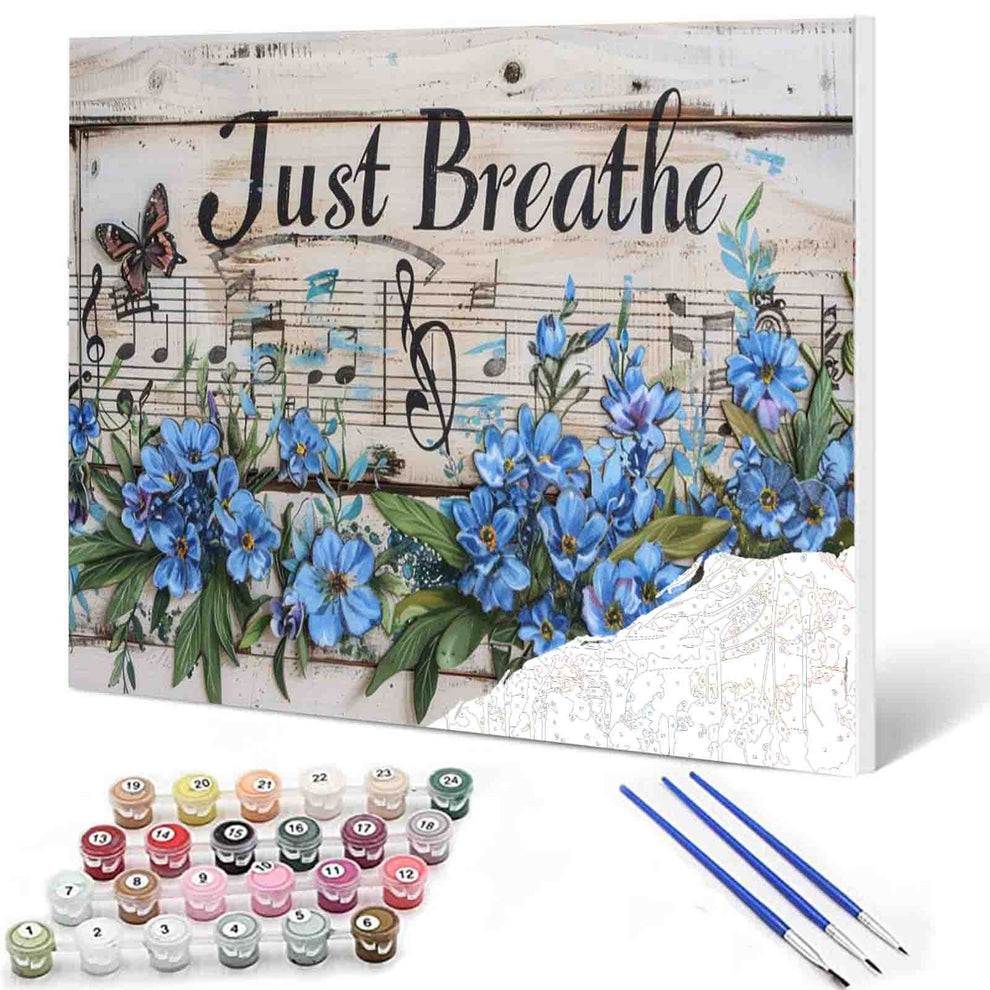
You might be wondering, how long does it take for acrylic paint to dry in Paint by Numbers?In real life, thin layers of acrylic paint typically dry in about 10 to 20 minutes. Thicker layers or texture paste can take an hour or longer to dry completely. To allow the paint to fully cure and harden, you might need to wait 24 to 48 hours.
Layer Thickness |
Drying Time to Touch |
Additional Notes |
|---|---|---|
Thin layers |
10 to 20 minutes |
Dries fast, good for adding more layers |
Thick layers |
1 hour or more |
Dries slow, more water needs to leave |
Fully cured paint |
24 to 48 hours |
Fully dries under the top layer |
Paint by Numbers projects follow a similar drying pattern to real-life acrylic painting. Thin layers of paint dry quickly, typically in about 10 to 20 minutes. Thicker layers or textured paint may take longer to dry fully.For best results, use thin layers of acrylic paint on each section to allow faster drying and avoid smudging. If you're working with thicker layers, especially with texture paste, you may need to wait longer for each layer to dry completely.A warm and dry workspace helps accelerate the drying process, allowing you to keep working without long delays.
Tip: To work faster, use thin layers in your digital painting. Thin layers dry quickly and let you add details without waiting.
Factors Affecting Drying Time
Many things can change how long does it take for acrylic paint to dry. The most important thing is how thick your paint is. Studies show thick layers of acrylic paint with slow-drying mediums can stay wet all night. Thin layers dry much faster and may look a little shiny. This means you can work faster if you keep your layers thin.
Other things matter too:
Layer Thickness: Thicker layers of acrylic paint take longer to dry. For faster progress in your Paint by Numbers project, apply paint in thin, even coats.
Drying Helpers: You can use tools like a fan or quick-dry medium to speed up the drying process. These are especially useful when working on large areas or multiple sections.
Environment Matters: A warm, dry workspace helps paint dry more quickly and evenly. Avoid humid or cold environments, as they can slow drying and affect color consistency.
The environment matters when working with Paint by Numbers. The ideal drying temperature is between 40 °C and 65 °C (104 °F to 149 °F). If it’s too cold, paint dries slowly. If it’s too hot, the colors may crack or lose their vibrancy.To speed up drying, keep the room warm and dry, and ensure good airflow. Using a fan or dehumidifier can help reduce humidity and encourage faster, even drying—especially helpful when working on multiple sections.Creating the right environment ensures smoother results and preserves the quality of your finished painting.
Studies show that spending long hours painting in dry, air-conditioned environments can cause eye strain or dryness. Similarly, your physical painting environment also affects how your acrylic paint dries.For Paint by Numbers, a warm and dry room helps paint dry faster and more evenly. If the air is too humid or cold, drying slows down and can affect the final result. Use tools like fans, heaters, or dehumidifiers to create the ideal conditions for a smoother painting experience.Your comfort and your paint’s drying speed both depend on your environment—so set it up wisely.
Note: You do not need to worry about air pollution when painting digitally. Studies found no link between air pollution and digital drying time.
If you want to know how long does it take for acrylic paint to dry in your digital project, remember these things:
Thin layers dry in about 10 to 20 minutes.
Thick layers can take an hour or more.
Warm, dry settings help paint dry faster.
If you know these things, you can plan your digital painting steps and not wait too long for your acrylic paint to dry.
Quick Drying Methods
Thin Layers
You can make acrylic paint dry faster in Paint by Numbers by using thin layers. Thin coats dry much quicker than thick ones and help prevent smudging or uneven texture.Instead of applying too much paint at once, gently build up color with light, even strokes. This method not only speeds up drying time but also gives you better control over details and keeps your painting smooth and neat.Using thin layers is a simple yet effective trick for a more enjoyable and efficient Paint by Numbers experience.
Tip: Thin layers dry fast and let you fix mistakes easily. You can add more layers without waiting a long time.
If you want fast drying, always start with thin layers. This way, you control your colors and textures better. You can also blend and change details as you work. This makes your painting process easier.
Warm and Dry Settings
Adjusting your physical workspace can help acrylic paint dry faster in Paint by Numbers. A warm and dry environment allows the paint to dry more quickly and evenly.If the room is too cold or humid, drying slows down and may lead to blotchy results. To improve drying conditions, try using a heater or dehumidifier, and make sure there’s good air circulation.Creating the right setting helps your Paint by Numbers project stay neat, dry faster, and look its best.
Studies show that adjusting temperature and humidity can help acrylic paint dry faster. Research has found that warm air and low humidity speed up drying and reduce surface issues like cracking or uneven texture.
For your Paint by Numbers project, you can follow these tips for quicker and smoother drying:
Keep your workspace warm — around 40 °C to 65 °C (104 °F to 149 °F) is ideal.
Lower the humidity — use a dehumidifier if the air is too moist.
Increase airflow — use a fan to improve circulation and simulate natural drying.
These simple changes help your acrylic paint dry faster, preserve color vibrancy, and give you cleaner, neater results in less time.
Tips for Quick Drying in Paint by Numbers
Layer Management
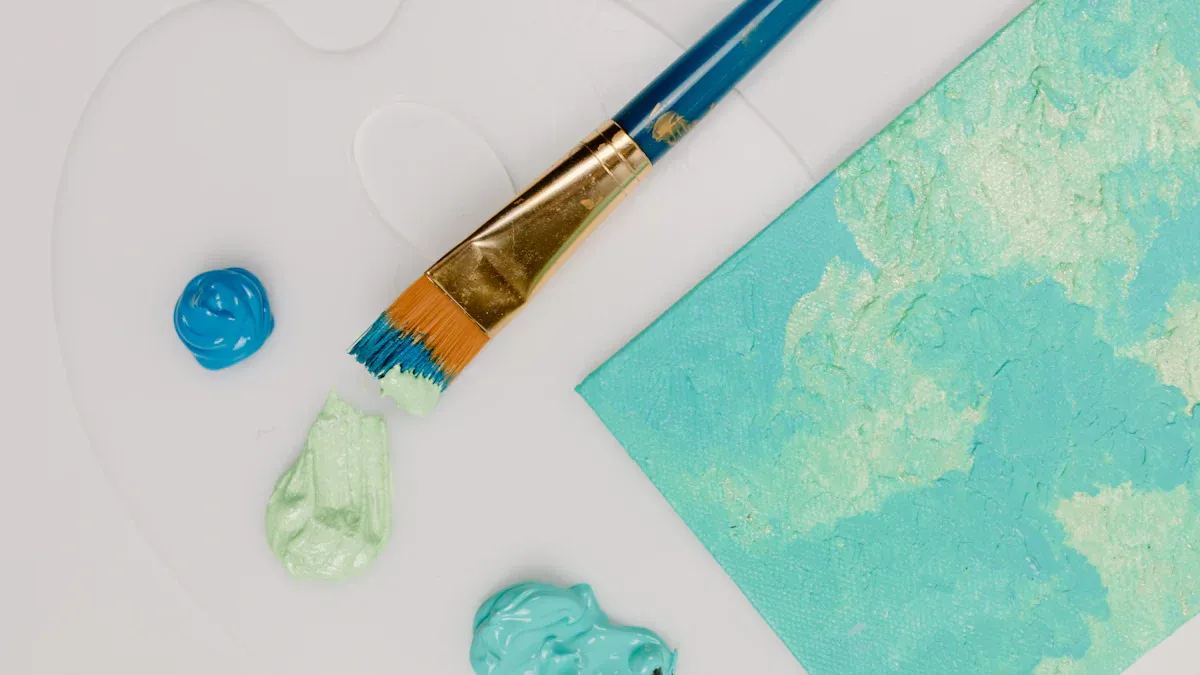
When working on a Paint by Numbers project, you’ll notice many small, numbered sections. To keep your painting neat and efficient, it’s important to manage your process carefully.Start by grouping and organizing your paints by number or color. This helps you find the right color quickly and avoid mixing mistakes. Focus on painting one color across the canvas before switching to the next—this reduces brush cleaning time and allows earlier sections to dry while you work.Let each section dry before layering nearby colors to prevent smudging. You can also use small stickers or checkmarks to mark completed areas, helping you track your progress with ease.
A smart and organized approach makes your Paint by Numbers project smoother, faster, and more enjoyable.
Tip: Group similar colors together. This makes it easier to switch between them and speeds up your workflow.
Keeping Colors Crisp
If you want bright colors and clean, sharp edges in your Paint by Numbers project, technique matters.Use thin layers of acrylic paint in each numbered section. Thin coats dry faster, reduce smudging, and allow for more control. If you want to add shading or blending, wait for the first layer to dry completely before applying the next.
To avoid color bleeding between areas, paint slowly along the edges and use a fine-tip brush for tight spaces. Some painters also use masking tape to protect borders when working on detailed areas.
Quick checklist for crisp results:
Use thin layers for each color
Let each layer dry before adding details
Paint carefully along edges to stay within lines
Use smaller brushes for tiny sections
Remember: Fast drying does not mean you rush. Take your time with each section for the best results.
You can speed up your Paint by Numbers process by using thin layers of acrylic paint, working in a warm and dry environment, and using quick-dry tools like fans or drying mediums. These methods help the paint dry faster, so you can add details and move to the next section without long waits.Quick drying also allows you to layer colors cleanly and keeps your painting neat and smudge-free. Many hobbyists find that faster drying improves their painting experience and helps them finish more beautiful pieces in less time.Try these tips in your next project and see how much smoother your painting becomes. Don’t forget to share your results—you might just inspire someone else to start painting too!
Tucocoo Paint by Numbers
FAQ
How can you tell if your acrylic paint is dry in Paint by Numbers?
There are a few simple ways to check:
Touch test: Gently tap the painted area with your fingertip. If it feels cool or sticky, it’s still wet. If it feels dry and smooth, it’s ready for the next layer.
Shine check: Wet acrylic paint usually looks shiny. Once dry, the shine fades, and the surface becomes more matte.
No smudge: Lightly drag a clean finger or tissue over the edge—if no paint comes off, it’s dry.
Always wait until the section is fully dry before adding details or painting nearby areas to avoid smudging and ensure a crisp finish.
Can you speed up drying without losing color quality in Paint by Numbers?
Yes! Here’s how:
Use thin layers: Thin coats of acrylic paint dry faster and help maintain rich, vibrant color.
Keep your workspace warm and dry: A warm, low-humidity environment speeds up drying without affecting color brightness.
Don’t overwork the paint: Repeated brushing or layering while the paint is still wet can cause muddiness and dull tones.
By applying paint carefully and letting each section dry properly, you can enjoy both quick drying and vivid results.
Why does your digital paint sometimes look patchy after drying?
Thick layers may dry unevenly.
Low-quality brushes can cause streaks.
High humidity settings slow drying.
Use thin, even layers and check your brush settings for smoother results.